Analytics DB configuration
The Analytics database uses TimescaleDB/PostgreSQL. The initial connection values are read from .env when the server boots, and any updates made in the web UI override those defaults at runtime.
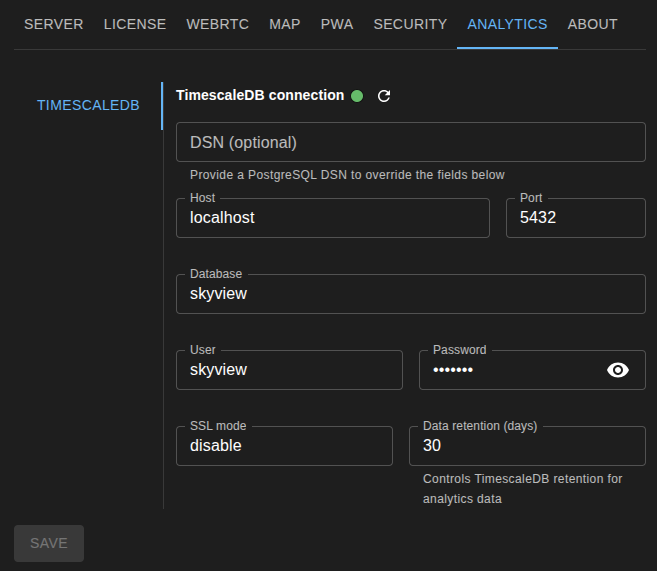
Connection settings
SkyView accepts either a full DSN or individual connection fields:
- DSN (optional) overrides all other fields when set.
- Host, Port, Database, User, Password, and SSL mode are used when the DSN is empty.
The corresponding environment variables are:
SKY_VIEW_ANALYTICS_ENABLEDSKY_VIEW_ANALYTICS_DSNSKY_VIEW_ANALYTICS_HOSTSKY_VIEW_ANALYTICS_PORTSKY_VIEW_ANALYTICS_DBSKY_VIEW_ANALYTICS_USERSKY_VIEW_ANALYTICS_PASSWORDSKY_VIEW_ANALYTICS_SSLMODESKY_VIEW_ANALYTICS_RETENTION_DAYS
Testing before saving
Use the Refresh status button in the Analytics tab to test the current form values without saving them. SkyView sends those values to the backend and attempts a live connection. If the test fails, the UI shows the detailed error so you can adjust the parameters before applying them.