Update
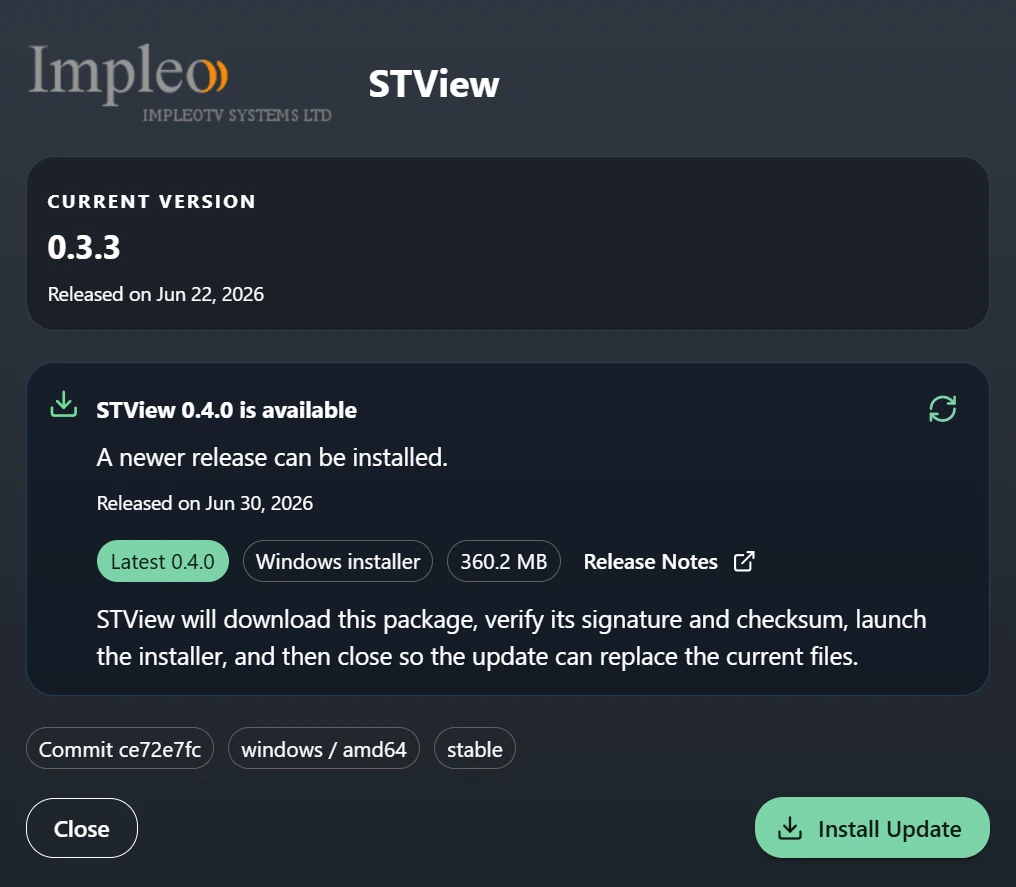
When an update is available, and if you have enabled the Check for Updates option, you will see an update notification button in the upper-right corner of the application. You can also manually check for newer versions from the configured release repository. Update options are available from Settings > Options.
The update process may require STView to close and restart. Save any work or stop active playback before starting an update.
You can also update manually by downloading the latest installer from the STView Downloads page and installing it over your existing version. To use a specific older release, open the older versions section on the downloads page and choose the installer for your operating system.