Visual Studio project
MisbCoreNative GStreamer sample app comes with the VS 2019 demo project, so you may simply re-use it.
If you want to create it from scratch (or add the code to your existing project) here is what you should do:
Create Visual Studio 2019 project
Make sure you have both GStreamer runtime and development installed.
Note:
When installing GStreamer runtime, do not select Typical as you need gst-plugins-bad packages. Select Complete (or Custom, and choose the required modules).
Make sure you have the GStreamer root path and plugin path defined.
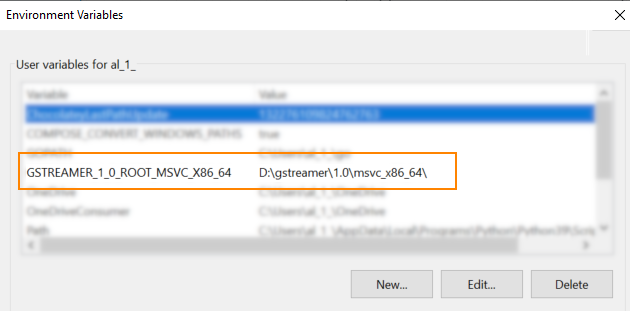
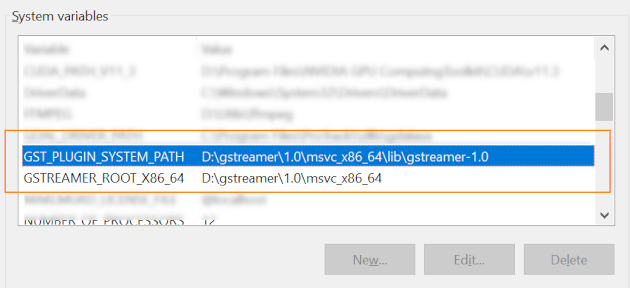
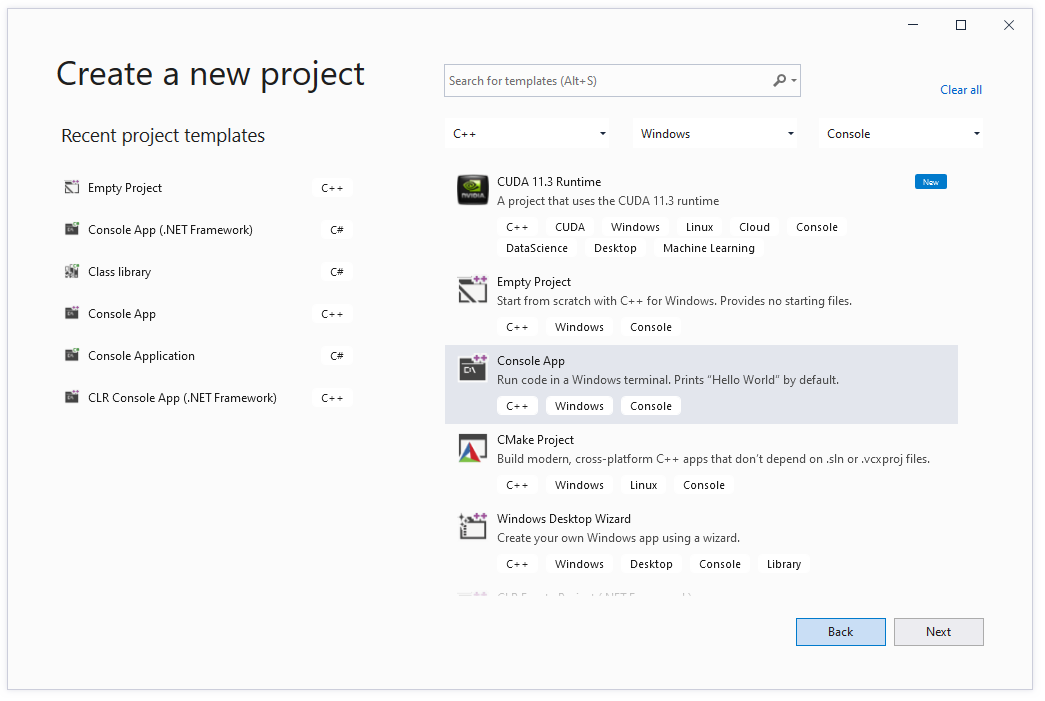
Select 'Create a new project' and follow the instructions for Windows C++ application creation
Select x64 Platform (MisbCoreNative is a 64 bit library). You can remove x86 configuration.
Now you need to define inlcude directories, link libraries, etc.
There are 2 ways to do this:
- Use property sheet
or
- Configure everything manually